
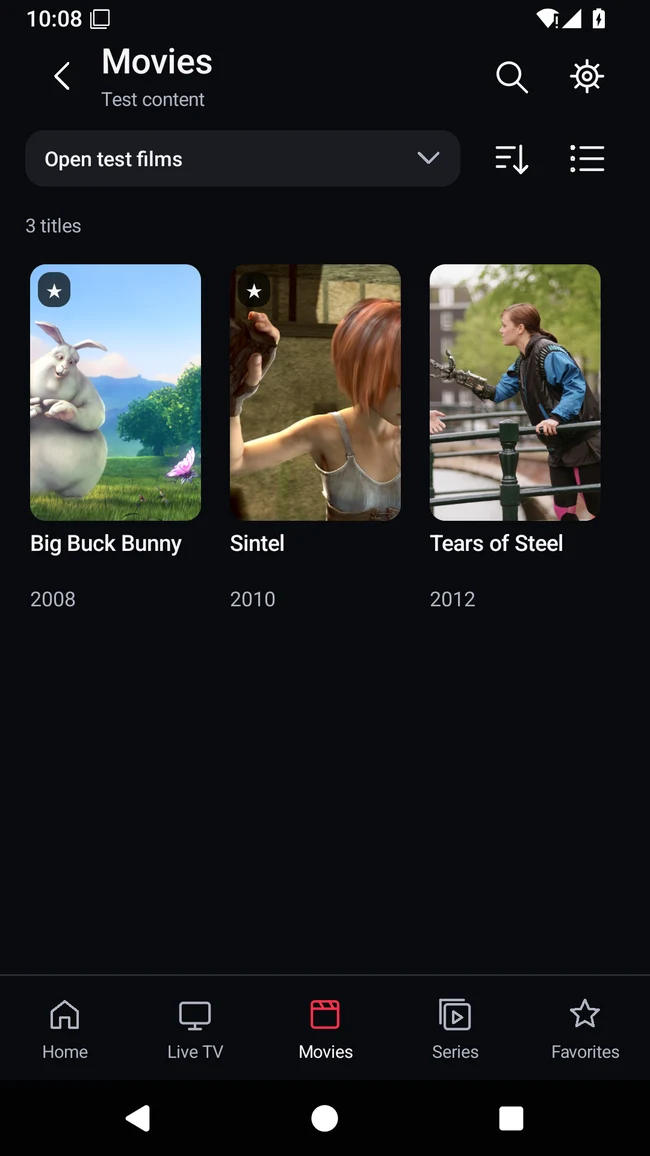
Browse your films
Your source, organised into a library.
REAL4K GO Android Preview
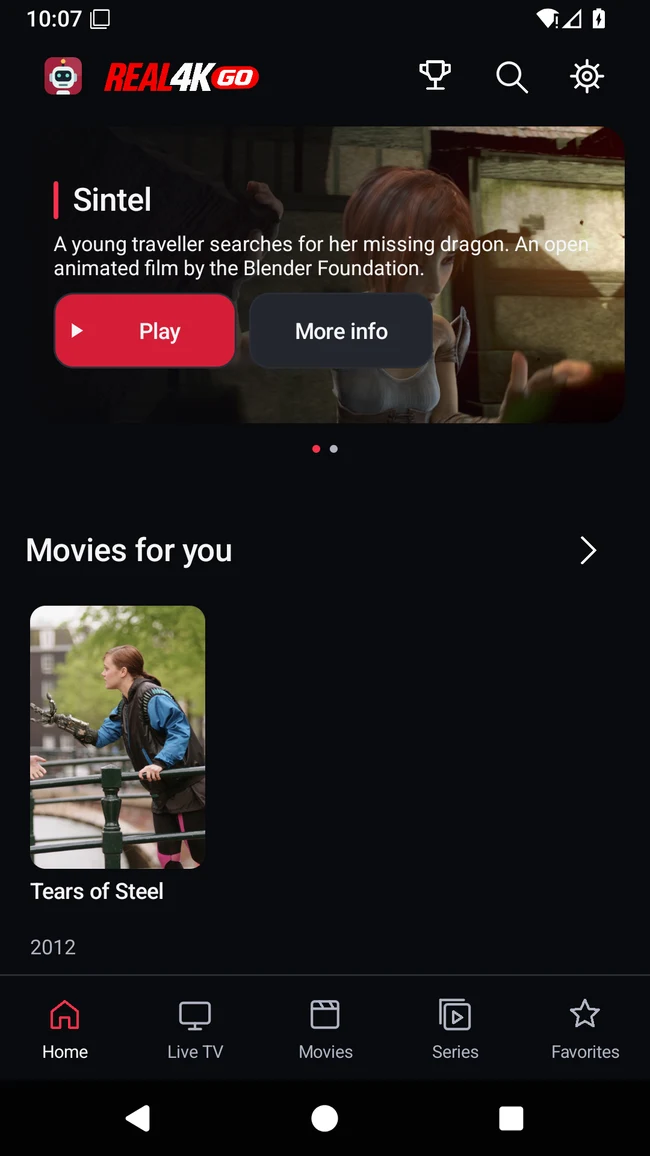
Live TV, films and series from your own sources. Browse your catalogue, keep your favourites and pick up where you left off — on your phone or Android TV.
A player for your M3U playlists and Xtream account. No channels or content subscription included.
A closer look
Swipe through real Preview screens. Open a screen to see it at full size.
Your source, organised into a library.
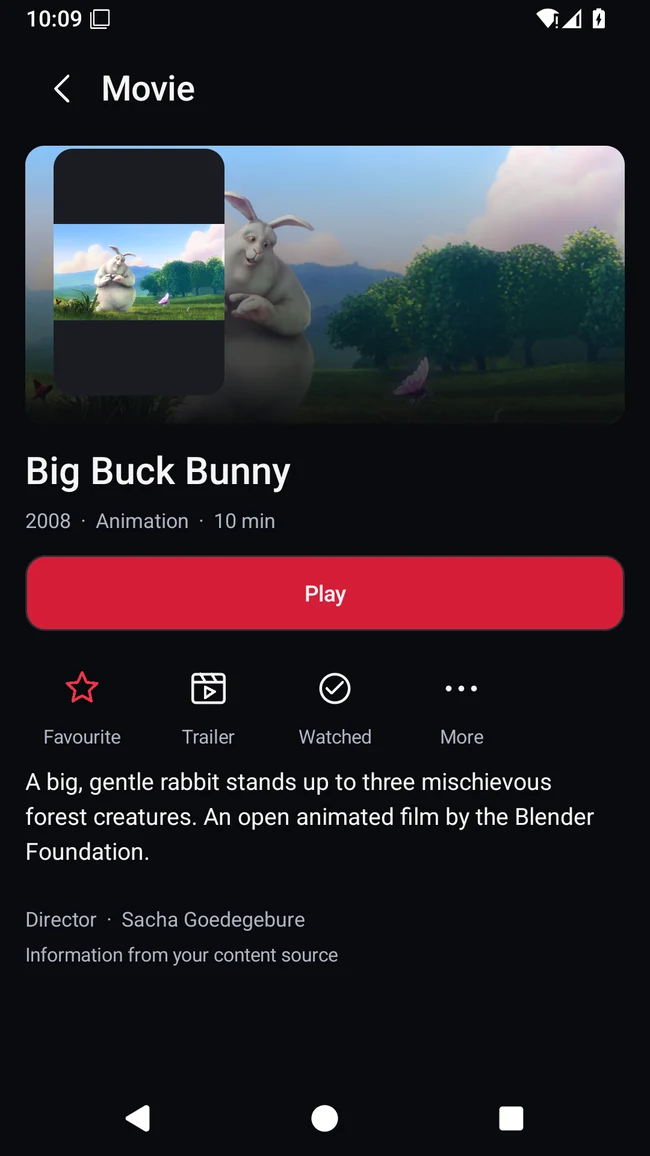
Details, favourites and playback.
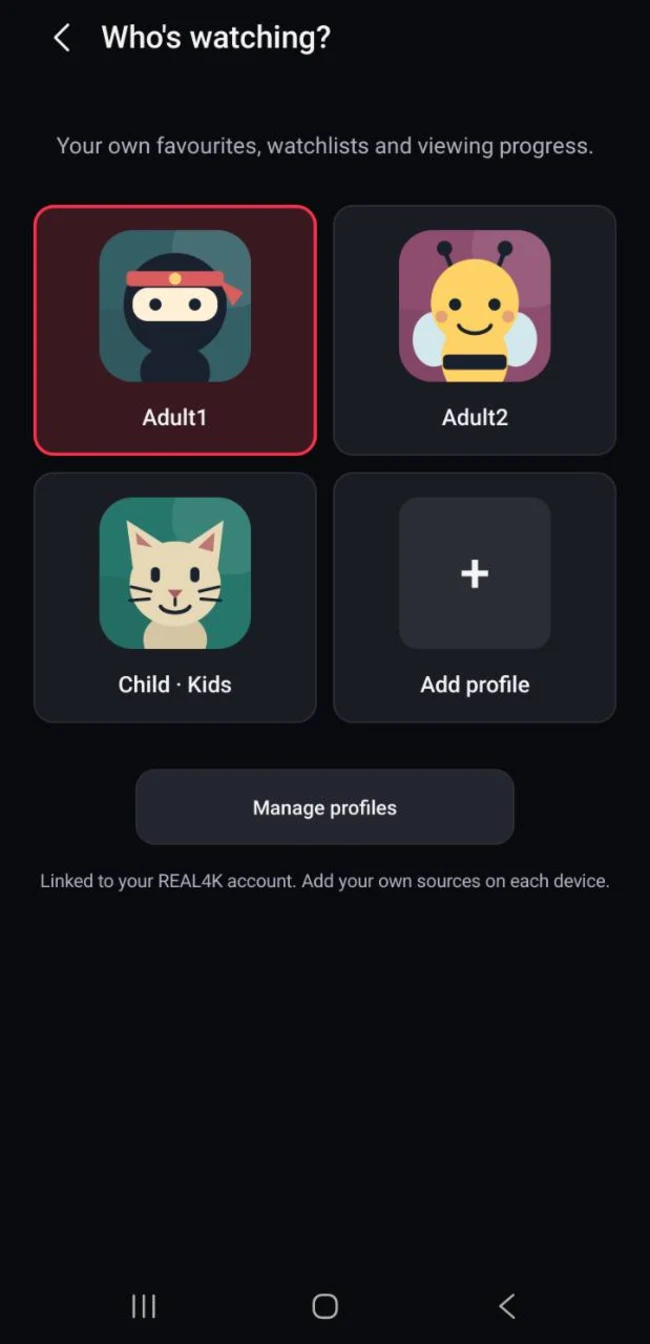
Separate favourites and progress.
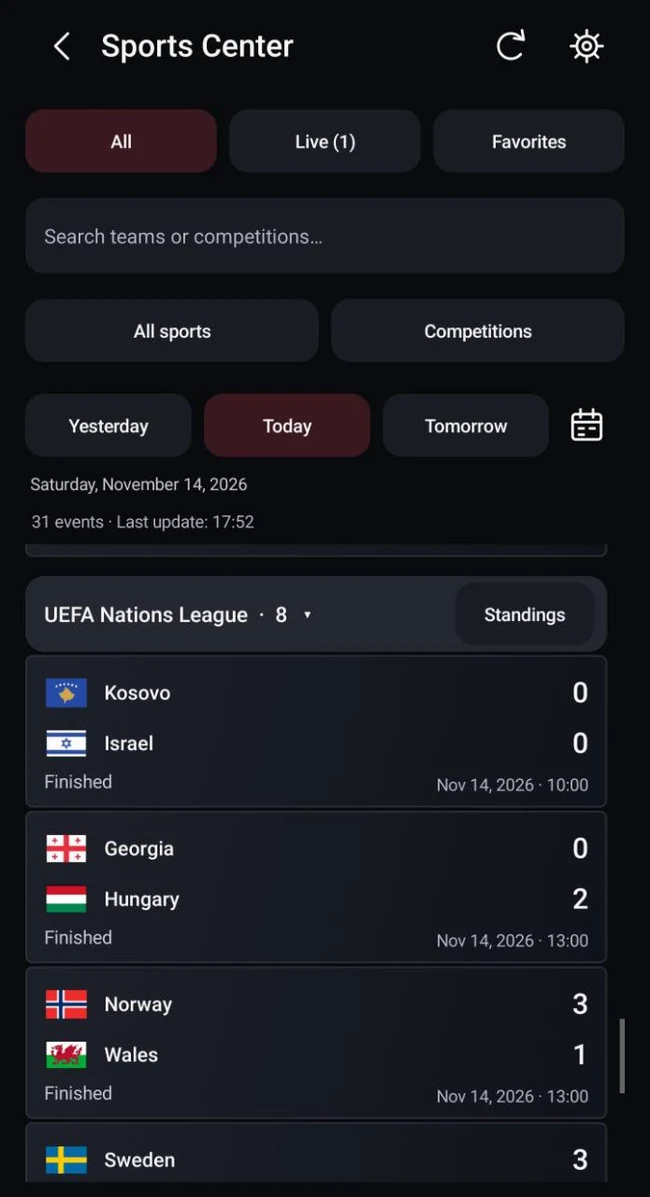
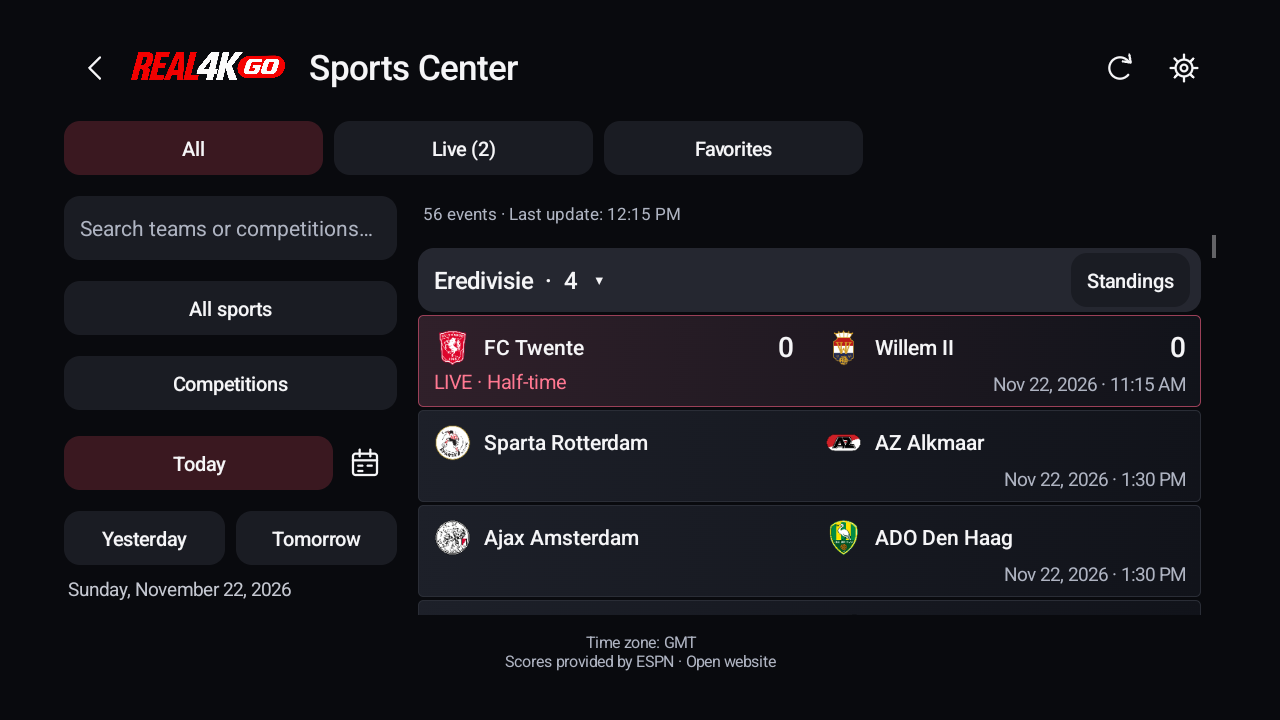
Fixtures, scores and competitions.
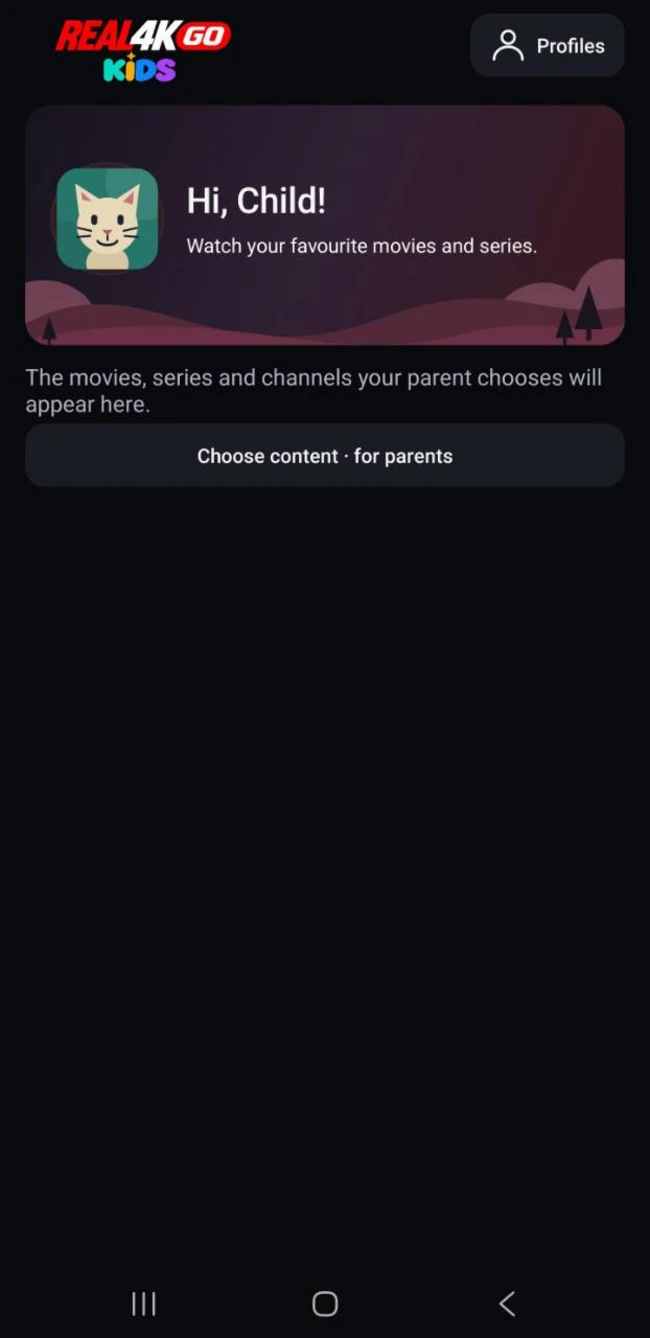
You choose the content that appears.
Phone captures: 14 November 2026. Example content; available features depend on the build.
You need access to a source you are authorised to use. REAL4K GO does not sell channel packages or provide login details for a content service.
Request access for your device and follow the installation link supplied by the team. Google Play and separate Preview APKs are different installation routes.
Open Settings → Content sources. Add an M3U playlist URL, or the server URL, username and password supplied for your Xtream account.
Let the first import finish, then open Live TV, Movies or Series. Use Refresh library when you want to fetch changes from your source; programme-guide data is updated separately.
Select a screen below. These are real Preview captures with example content; the interface and available features can differ between builds.
Actual app captures from 14 November 2026. Test content and example results. About these screenshots
Browse live channels, films and episodes from your source. Save favourites, return to your viewing position, and use the available audio and subtitle tracks. Programme-guide and catch-up information depend on what your source provides.
Keep viewing progress and favourites separate for each profile. Signed-in profiles can sync these items; Guest data stays local. A parent selects the content shown in a Kids profile. This does not turn a provider’s catalogue into a curated children’s service.
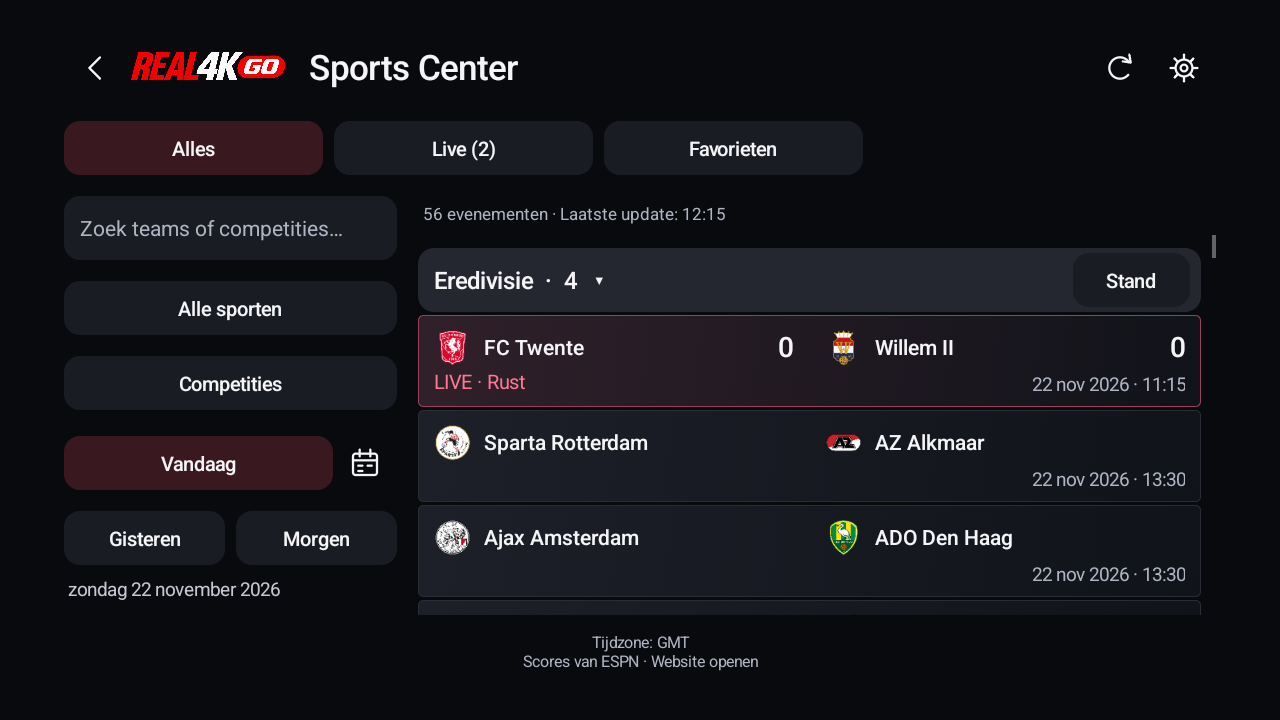
Find fixtures and scores by sport, competition, date or favourite team. Check the last update time: coverage can vary and results may be delayed. Sports Center does not include a sports channel subscription or match streams.
Current Next Preview builds can save supported films and episodes for offline playback. Downloads are a Premium feature, encrypted in app storage and tied to the installation and original account/profile. A completed file can be played without opening a provider connection.
Download instructions and limitationsFeatures are being tested across devices. Read the build notes and remaining checks before relying on a particular function.
Sports Center on Android TV, captured in English and Dutch on 22 November 2026 from local Next Preview 106. Use the remote to choose a sport, date or competition. Results reflect the capture time.
Android is the current focus. Test access and installation depend on your device.
Check compatibilityGoogle Play internal testing for invited accounts.
APK testing arranged with the team.
No public iOS or Windows download is offered on this site.
Fire TV compatibility has not yet been verified. Installation information
Basic Guest playback is planned to remain free. Premium adds ad-free use and supported offline downloads. Premium 1 is planned at €2.49/month or €19.99/year; Premium 5 at €4.49/month or €34.99/year. They have the same confirmed features and allow 1 or up to 5 assigned Premium devices respectively.
Public purchases are not open. A Premium device allowance does not increase the number of simultaneous streams allowed by your content provider. Cloud is in development at an approved standalone price of €0.99/month, with inclusion in Premium planned. Its annual price and quotas are not confirmed.
Compare plans and included featuresYour content sources and catalogue cache are stored locally. Signing in does not automatically upload your provider credentials. Your provider receives the requests needed to load its catalogue and play its streams. Signed-in profile favourites and viewing progress can synchronise through REAL4K GO; Guest viewing data stays on the device.
Optional notifications and advertising choices are available in the app settings. Read what is stored locally and how advertising data is handled.
Preview access is temporary. Read the dates or end conditions supplied with your invitation. Some builds may require an update, and a test can end before a public replacement is available. Installing a required update does not subscribe you to Premium.
Keep a backup before changing installation routes. Do not uninstall an existing app to fix a signing mismatch without first checking how to preserve your data. Access and release policy · Updating an existing installation
Check for a service issue, find an installation answer or contact the team.
No. REAL4K GO is a player. You add your own M3U playlist or Xtream account from a source you are authorised to use.
Access is currently arranged with the team. Request test access and tell us whether you use an Android phone, tablet or TV. How testing works.
Preview access is currently free under its test conditions. Basic Guest playback is planned to remain free. Premium prices are listed, but public purchases are not open. Free and Premium details.
Basic playback works as a guest. Signed-in profiles can sync favourites and viewing progress. You add your content sources separately on each device. Read about your data.
Send your device model, Android version and the Google Play account email you want to use for testing. Wait for the team to confirm access before opening an invitation link.
Request test access